Last updated October-24-09 4:47:11 PM
Thank you for stopping by. As promised, the first thing I will do is explain
the location change. After many years of providing server space to store
my site, Rogers and Geocities have seen fit to discontinue this practice
as of Oct/09. This new service mandates that each page will feature advertisements
so please make sure your pop-up blocker is running.
This is essentially the same site as the old one minus many of the photo
albums. These were removed to make room for the videos on my father's Memorial
Page below. The videos in that section take up a great deal of room on
the server. As of this writing, the entire site is over 14 MB in size of
which the videos alone comprise 9 MB! The missing photo albums are part
of my ZFPA project anyway. For those of you not familiar with the ZFPA,
please contact me and I will explain.
Dave Zuzarte, Webmaster. Visit my Facebook Profile!
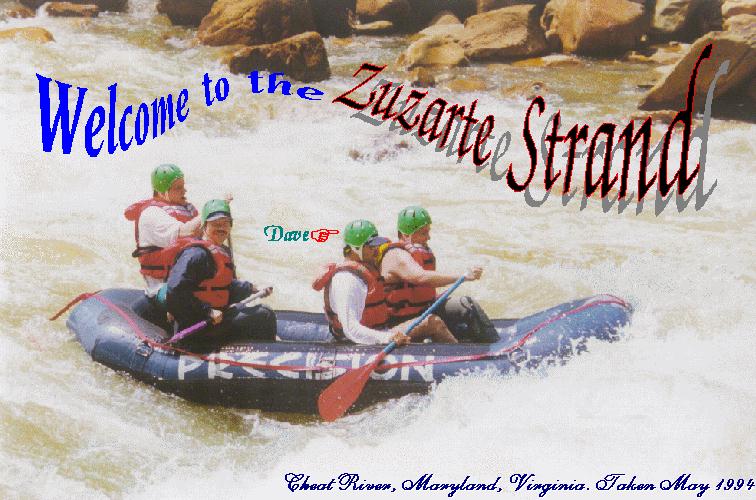
Hi there! Thanks for tuning in to my very first web page endeavour. In case you're wondering, I chose Strand because it refers to the smallest part of a web. Catchy, huh? I enjoy hearing from people who visit my page so check out who has dropped by in the past and signed my guestbook. One entry (by a prominent Starfleet captain, no less) was done to test this feature.
This site's main purpose is to communicate news and images to friends and family members. Therefore, you won't find it on major search engines like Yahoo and Webcrawler. If you spot a spelling mistake (A spell checker was NOT used in the creation of this page) then please let me know. If you can hear Spirit of Radio by Rush then this means you have properly installed your browser's multimedia plug-in!

 The Saint Brendan Separate School Tribute
Site!
The Saint Brendan Separate School Tribute
Site!

Most of the digitized pictures were taken with a simple disposable camera and developed on Kodak Photo CD. No paper prints exist! I then converted them to JPEG images using a suite of graphics utilities. Special effects like word balloons and text were added using Print Shop Ensemble. Many of the link graphics you see were extracted from the same program.
With respect to hardware, I started with a Pentium III-733 with 128Mb of RAM. An ATI All-in-Wonder 128 Pro graphics card and 19" Viewsonic monitor form the video subsystem. Storage consists of a 32X CD-ROM drive and 20 Gb hard drive.
Graphics images such as those contained in BMP and JPG files use their own unique set of colors known as a palette. Your operating system has its own palette known as the system palette. When one or more images are displayed, the palettes will conflict if they have the same color depth (e.g. 256 colors). In order to properly represent the palettes from all the images being simultaneously displayed they must be dithered using the colors from a common palette (usually the system palette is used). This results in many compromises being made as true colors are essentially "faked".
On the other hand, when you view a single image in a graphics
app like Windows Paintbrush, the system palette is effectively "commandeered"
by the app so it can properly display the image's color spectrum. Usually,
the palettes of background objects will go haywire when this happens. Generally
speaking, well-behaved apps will reinstate the OS palette after terminating.
A full discussion of video adapter and driver technology is beyond the
scope of this page but I would be happy to answer any questions you may
have.
 |
I received 77 credits on The Sci Fi Sounds Quiz How much of a Sci-Fi geek are you? |
| Take the Sci-Fi Movie Quiz canon s5 | |